The Building BoxCreator Academy Back to academy

Choose your course kit.

Pick how you want to make your video. Entry walks you through your first short. Each Full Kit includes its Entry course and five more lessons for your next build.

Sale ends in 00:34:02

AI Animation

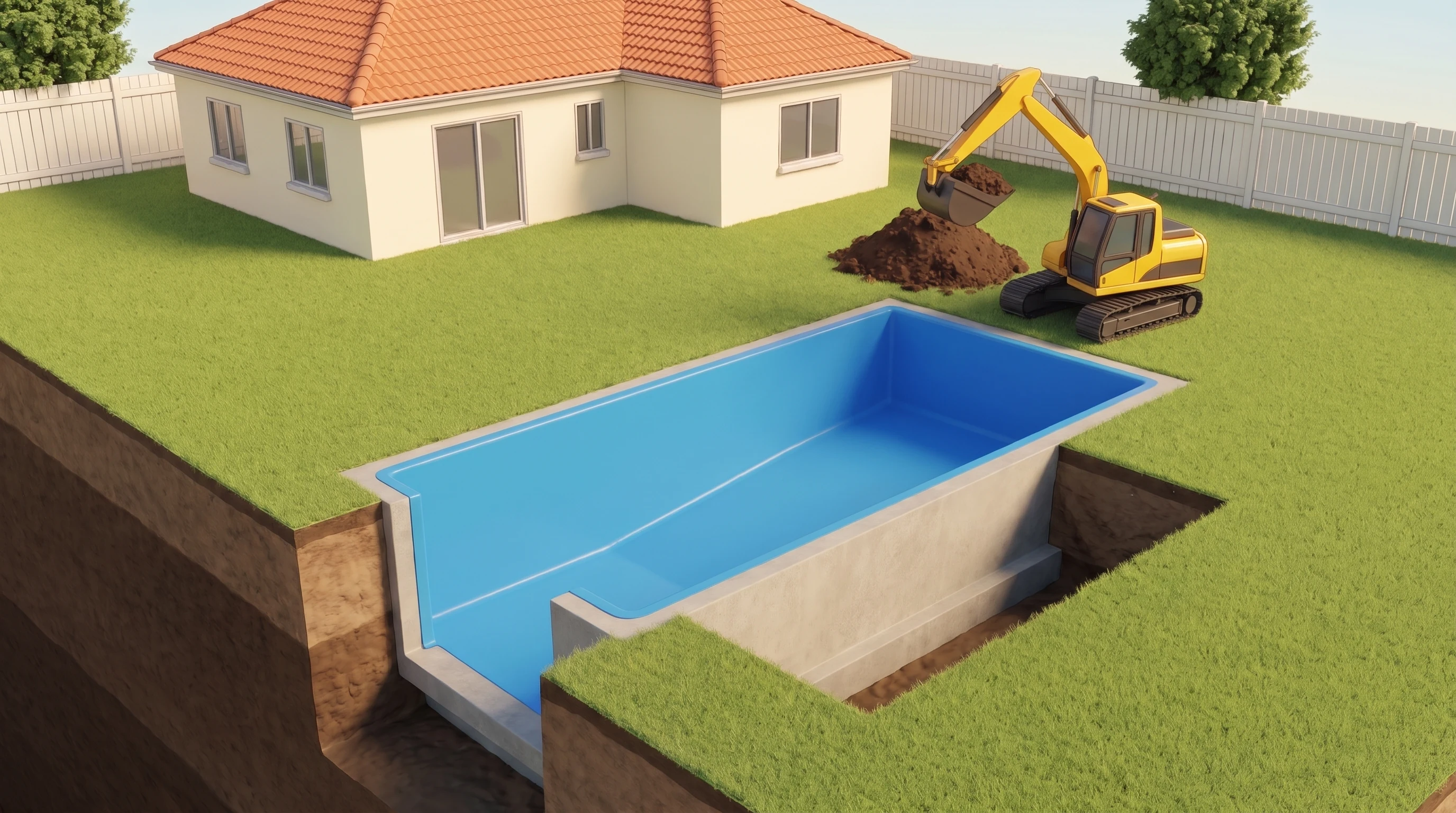
The quickest way to start. Generate images for each stage of your build, animate them, then edit the clips in CapCut. No coding required.

Entry

43% off

Make a narrated build video from AI images and clips.

$84.99$149.99

USD · one-time purchase · 19 lessons

Choose Entry

What you’ll learn

  • Pick a build you can explain in a minute and plan the shot that shows it working.
  • Use the script prompt in ChatGPT or Claude to turn each failed attempt into the next fix.
  • Use the image prompt to turn your script into a shot list and generate a reference image for each stage.
  • Keep the yard, tools and build in the same place when you generate the next frame.
  • Use the video prompt to animate your frames. Join clips into one moving shot or cut to a new angle.
  • Choose an ElevenLabs voice, record your script and line up each action with its spoken line in CapCut.
  • Add captions and sound, export a vertical MP4 and check the finished short on your phone.
See all 19 lessons
  1. Set up your first complete video
  2. Choose a concept with a visible payoff
  3. Write your first build script
  4. Review the script before planning pictures
  5. Turn your script into image prompts
  6. Create the first image in Nano Banana Pro
  7. Generate each new image independently
  8. Choose continuous movement or deliberate cuts
  9. Place images in the supported keyframe controls
  10. Plan a continuous animation
  11. Plan a video with clean cuts
  12. Set duration, vertical framing and sound
  13. Generate and approve the complete clip set
  14. Choose an ElevenLabs narrator
  15. Generate the voice after the clips
  16. Import the voice and clips into CapCut
  17. Fit the pictures to the real narration
  18. Add basic captions and a clear sound mix
  19. Export, inspect and keep your first film
Full Kit

46% off

All of AI Entry, plus the prompts and practice to fix shots, keep scenes consistent and budget for a second film.

$159.99$299.00

USD · one-time purchase · 24 lessons

Choose Full Kit

Full Kit adds

  • Get three additional prompts for scripting, image generation and video generation.
  • Choose three reference views that keep the layout and materials consistent as the camera moves.
  • Find the first frame where a part changes shape or disappears, then repair just that section.
  • Split a long action into clips that fit the narration and still show the moment the parts connect.
  • Use your own test results to budget credits for a finished video, including failed attempts.
  • Finish a second original short and reopen the CapCut project with its clips, audio and prompts.
  • Plan a week of related builds and use the first drop in watch time to revise your next opening.
See all 24 lessons
  1. Set up your first complete video
  2. Choose a concept with a visible payoff
  3. Write your first build script
  4. Review the script before planning pictures
  5. Turn your script into image prompts
  6. Create the first image in Nano Banana Pro
  7. Generate each new image independently
  8. Choose continuous movement or deliberate cuts
  9. Place images in the supported keyframe controls
  10. Plan a continuous animation
  11. Plan a video with clean cuts
  12. Set duration, vertical framing and sound
  13. Generate and approve the complete clip set
  14. Choose an ElevenLabs narrator
  15. Generate the voice after the clips
  16. Import the voice and clips into CapCut
  17. Fit the pictures to the real narration
  18. Add basic captions and a clear sound mix
  19. Export, inspect and keep your first film
  20. Build a stronger reference strategyFull Kit
  21. Repair a broken transition without rebuilding everythingFull Kit
  22. Plan longer actions and resolve duration mismatchesFull Kit
  23. Budget for accepted clips, including failuresFull Kit
  24. Run a repeatable final review and capstoneFull Kit

Real 3D Animation

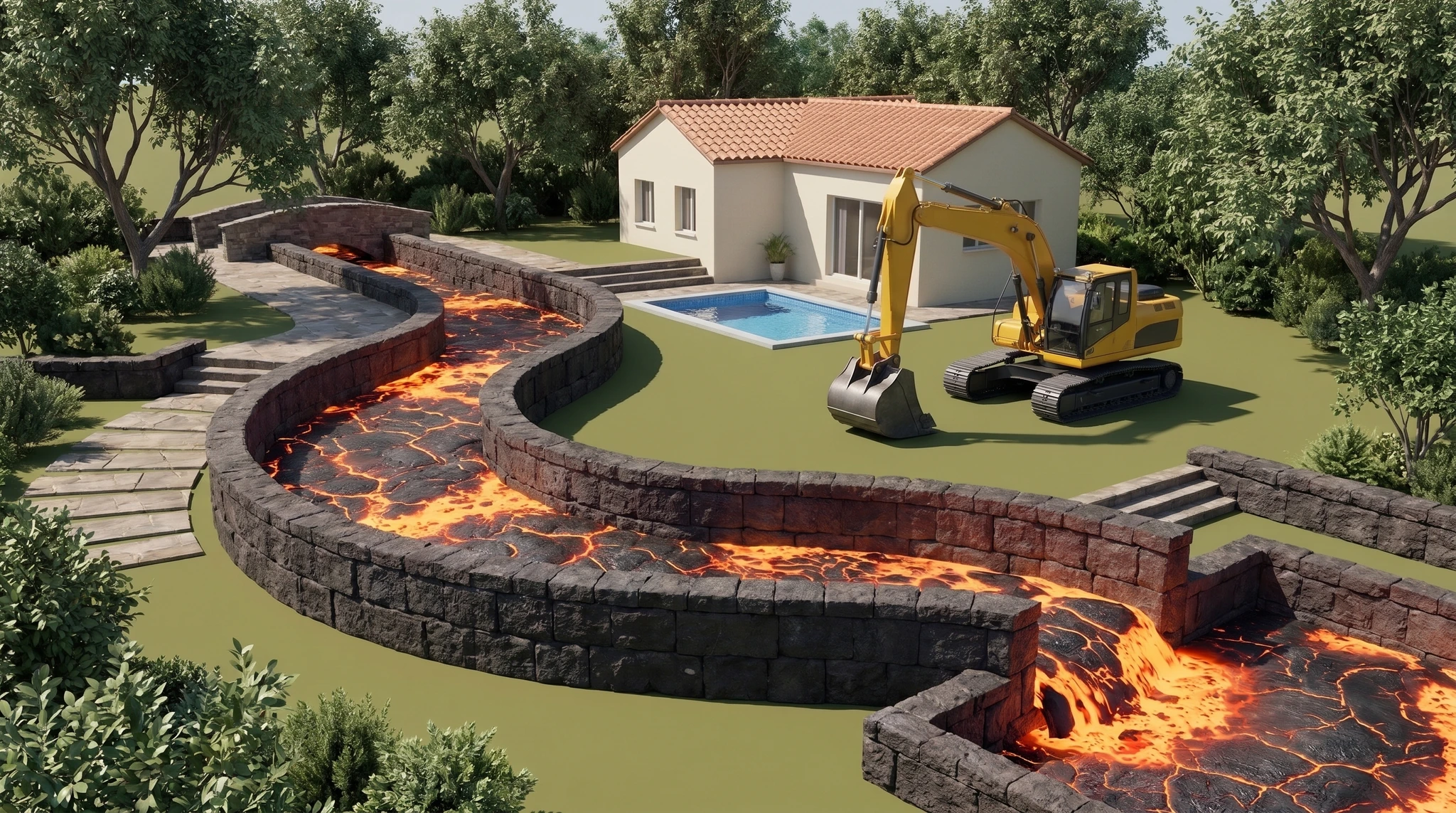
For more control over the shot. Use ChatGPT or Claude to write scene code, then move the camera and animate the parts inside an editable 3D world.

Entry

30% off

Render a narrated build video and keep the editable scene.

$139.99$199.99

USD · one-time purchase · 10 lessons

Choose Entry

What you’ll learn

  • Choose a build and write a script that shows what goes wrong, how you fix it and how the finished build works.
  • Record the script in ElevenLabs first so the animation follows your voice.
  • Get an animation prompt for ChatGPT and one for Claude. Use either with your script and recording.
  • Run the scene code in a compatible 3D workspace and render a test frame before the full film.
  • Set up the environment, lighting and materials. Check that the parts fit before you animate them.
  • Time the moving parts and camera to the narration so viewers see each step as they hear it.
  • Review the render, request a specific fix and export your vertical MP4.
  • Save the editable film and a clean copy of the environment for your next build.
See all 10 lessons
  1. Choose your first build and set up
  2. Turn the concept into a construction story
  3. Draft and review your build script
  4. Make the ElevenLabs narration now
  5. Send the animation kickoff correctly
  6. Run the scene code in a real workspace
  7. Finish the world, then animate the build
  8. Inspect the render and request a specific fix
  9. Download a post-ready MP4
  10. Save the source so you can build again

Full Kit

33% off

All of 3D Entry, plus the prompts and practice to revise individual shots and use the same world for another film.

$199.99$299.00

USD · one-time purchase · 15 lessons

Choose Full Kit

Full Kit adds

  • Get advanced animation prompts for both ChatGPT and Claude to direct a more complex build.
  • Find what caused a bad shot by checking the camera, movement, materials and sound separately.
  • Rerender the section that needs a fix and match it to the footage you already approved.
  • Switch from a wide shot of the build to a close-up at the moment two parts connect.
  • Use an arrow to explain a hidden movement and time a click or impact to the frame it happens.
  • Organize models, textures and their licenses so you can reopen the world for a second original film.
  • Plan three related builds and compare their openings using your audience’s watch-time data.
See all 15 lessons
  1. Choose your first build and set up
  2. Turn the concept into a construction story
  3. Draft and review your build script
  4. Make the ElevenLabs narration now
  5. Send the animation kickoff correctly
  6. Run the scene code in a real workspace
  7. Finish the world, then animate the build
  8. Inspect the render and request a specific fix
  9. Download a post-ready MP4
  10. Save the source so you can build again
  11. Diagnose the cause before revisingFull Kit
  12. Preserve approved work and reuse valid rendersFull Kit
  13. Build a reusable world and asset libraryFull Kit
  14. Polish camera, graphics and contact soundFull Kit
  15. Repeat the process on your next original filmFull Kit

Each kit includes a short welcome video, written lessons with exercises, copyable prompts and a downloadable reading copy. Your account saves your place. Budget separately for any software subscriptions and generation credits.

Contact support