LAUNCH OFFERS · SAVE UP TO 46%Today’s sale ends in 00:47:59See the offers
THE BUILDING BOX ANIMATION COURSES

Learn to animate
builds like this.

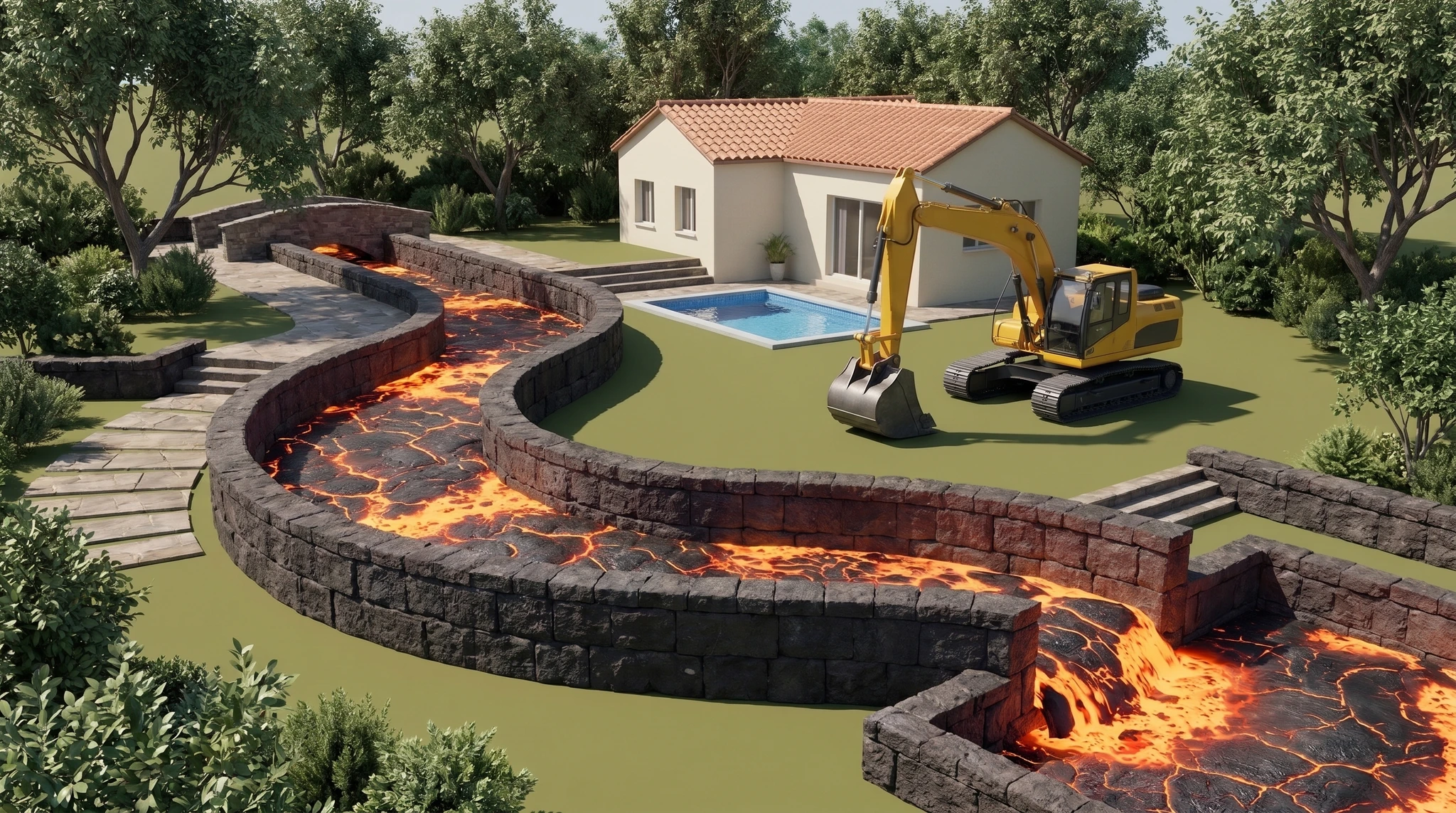
That backyard lava river started as a script. Learn how to turn your own build idea into a short you can narrate, edit and post without showing your face.

Generate your shots with AI or build an editable 3D scene with code.

Start creating
One-time purchase Prompts included Learn at your own pace
FEATURED BUILD
Blender-style course illustration of a glowing lava river running through a landscaped backyard
Backyard
lava river
Environment illustration
3D ANIMATION
TOOLS USED IN THE COURSES
ChatGPT or ClaudeHiggsfield ✳Ⅱ ElevenLabs CapCut
Subscriptions and generation credits sold separately.
COURSES

How do you want to
make your videos?

Watch an example from each course, then see what you’ll use to make your own.

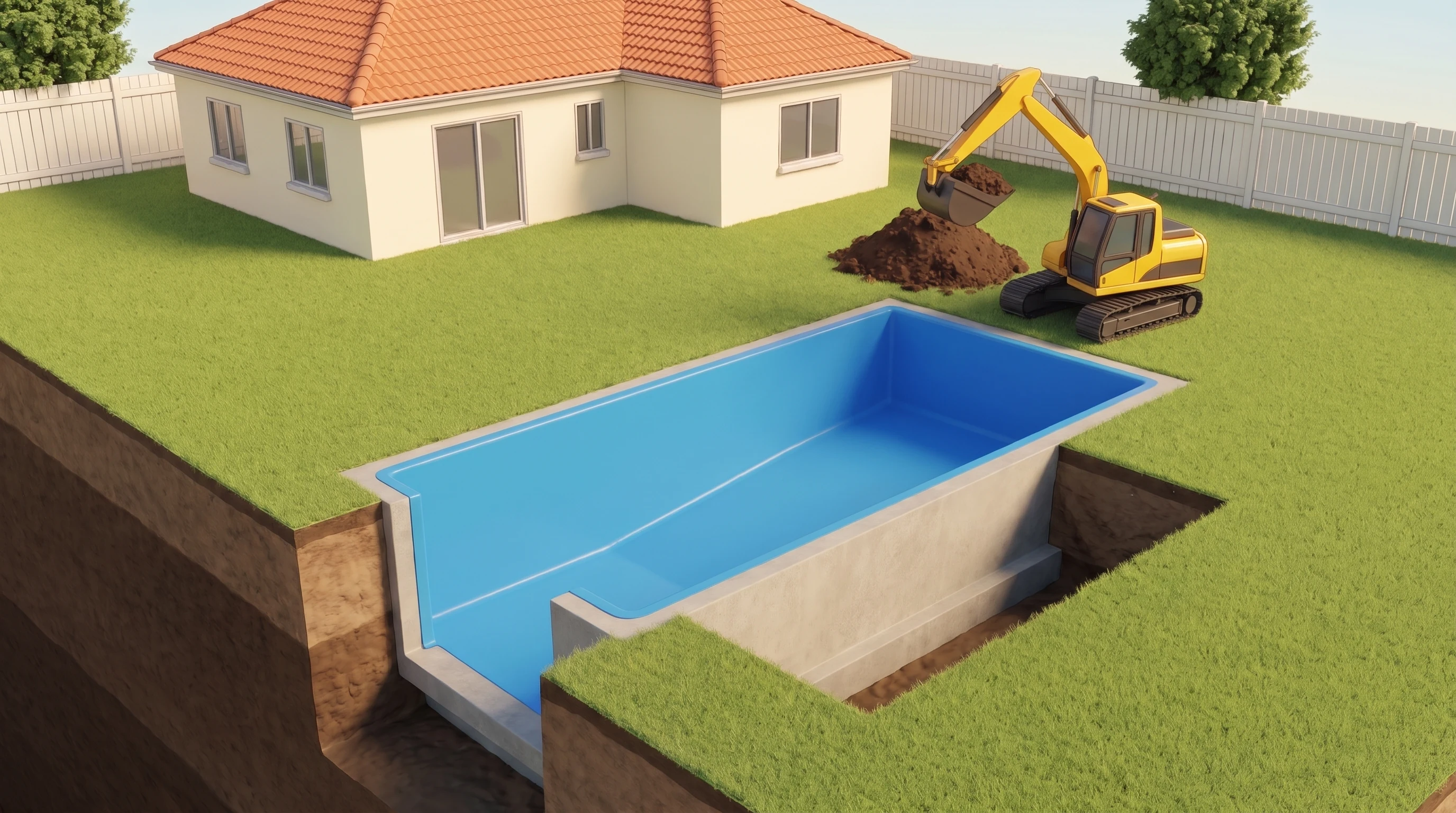
An empty backyard pool lined for constructionAI ANIMATIONPreview lessons
AI ANIMATIONBuild an aquarium

The AI Build Blueprint

The quickest way to start. Generate images for each stage of your build, animate them, then edit the clips in CapCut. No coding required.

What you get in Entry

  • A rain-barrel example that shows how to turn one build into a story.
  • A script prompt for ChatGPT or Claude, with an exercise to tighten the first draft.
  • An image prompt for planning the build one frame at a time.
  • A video prompt for turning those frames into moving shots.
  • An ElevenLabs voice exercise for recording clear, quick narration.
  • A CapCut walkthrough for timing clips, adding captions and exporting the short.
ENTRY COURSE$84.99$149.99
Compare kits
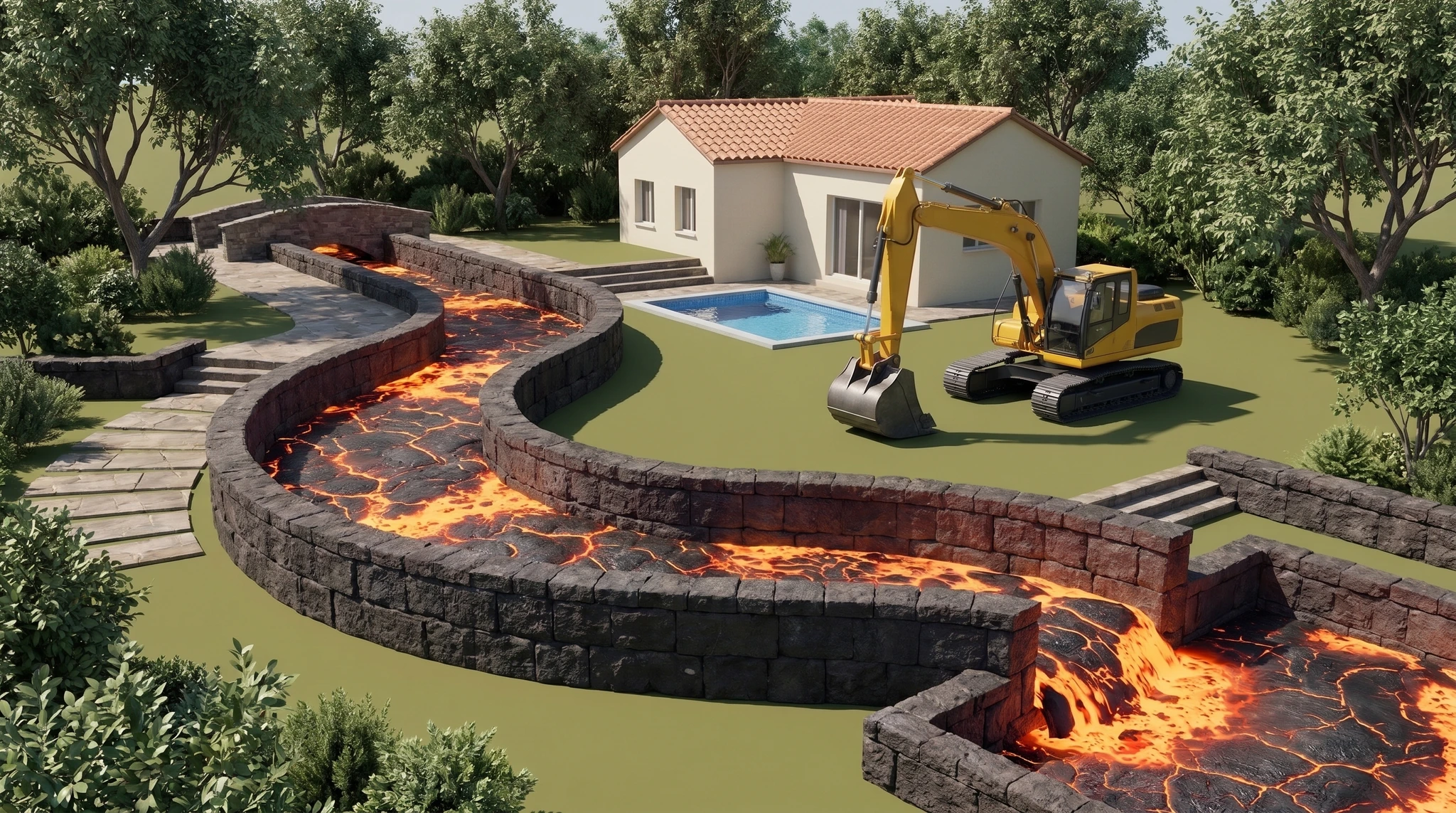
A glowing lava river running through a backyardREAL 3D ANIMATIONPreview lessons
3D ANIMATIONBuild a waterfall · ChatGPT code

The 3D Build Blueprint

For more control over the shot. Use ChatGPT or Claude to write scene code, then move the camera and animate the parts inside an editable 3D world.

What you get in Entry

  • A script exercise for writing the opening, the failed attempt and the final test.
  • A voiceover exercise to set the timing before you animate.
  • Two animation prompts to copy, one written for ChatGPT and one for Claude.
  • A Blender test-render walkthrough to check the scene before a long render.
  • A shot review exercise for spotting a missed movement and asking for a precise fix.
  • An export and source-file checklist so you can post the MP4 and open the scene again.
ENTRY COURSE$139.99$199.99
Compare kits
COURSE PREVIEW

A look inside
the lessons.

FINISHED VIDEOS

Watch the builds
from our channel.

Play a full short to compare the AI animation with the code-driven 3D work.

Build an airport

Generated images and video

Build an aquarium

Generated images and video

Build a lava river

Real scene · ChatGPT code

Build a waterfall

Real scene · ChatGPT code

BEHIND THE LAVA RIVER

Why a backyard lava river?

“How would that even work?” is a good starting point for a build video. Our lava river reached 14 million views on TikTok and 4 million on YouTube.Figures reported by The Building Box for this video. Student results vary.

INSIDE THE FULL KITS

What if a shot
comes out wrong?

Say the aquarium changes shape halfway through your AI video. Learn to find the first bad frame and replace that clip. In 3D, if the camera misses the turn in your lava river, you can move it and render that section again.

Compare Entry and Full Kit
FIRST WEEK OF POSTING
7
DAYSOne exercise in both Full Kits
01–02 Pick three related build ideas.03–05 Publish one. Try a different opening on the next.06–07 Check where viewers left. Try one change in the next opening.
PRICING

What’s in
each kit?

TODAY’S SALE ENDS IN00 : 47 : 59Prices change at midnight Pacific.
ONE-TIME COURSE PRICE · USD
AI ANIMATIONSAVE 43%

The Entry Course

Make a narrated build video from AI images and clips.

$84.99
$149.99list price
You save $65 with today’s offer.

What you’ll learn · 19 lessons total

  • Pick a build you can explain in a minute and plan the shot that shows it working.
  • Use the script prompt in ChatGPT or Claude to turn each failed attempt into the next fix.
  • Use the image prompt to turn your script into a shot list and generate a reference image for each stage.
  • Keep the yard, tools and build in the same place when you generate the next frame.
  • Use the video prompt to animate your frames. Join clips into one moving shot or cut to a new angle.
  • Choose an ElevenLabs voice, record your script and line up each action with its spoken line in CapCut.
  • Add captions and sound, export a vertical MP4 and check the finished short on your phone.
ENTRY INCLUDED
AI ANIMATIONSAVE 46%

The Full Kit

All of AI Entry, plus the prompts and practice to fix shots, keep scenes consistent and budget for a second film.

$159.99
$299list price
You save $139.01 with today’s offer.

Full Kit adds · 24 lessons total

  • Get three additional prompts for scripting, image generation and video generation.
  • Choose three reference views that keep the layout and materials consistent as the camera moves.
  • Find the first frame where a part changes shape or disappears, then repair just that section.
  • Split a long action into clips that fit the narration and still show the moment the parts connect.
  • Use your own test results to budget credits for a finished video, including failed attempts.
  • Finish a second original short and reopen the CapCut project with its clips, audio and prompts.
  • Plan a week of related builds and use the first drop in watch time to revise your next opening.

One payment covers the kit you choose.

Each kit includes a captioned welcome video, written lessons with exercises, prompts you can copy, saved progress and a downloadable reading copy. Sign in to buy a kit. Tool subscriptions and generation credits are separate.

How the daily offers work

Today’s offer runs until midnight Pacific. Each discount compares the current sale price with that kit’s regular price. Sign in to buy a kit.

FREE TOOLS

Plan your first shot.

Use the shot planner to work out what the viewer sees at each step. Use the checklist when your edit is ready.

Course questions

How long does a course take?

Allow around 2–3 hours to read through one course. Set aside extra time for the exercises, generation, rendering and revisions on your own film.

Which course is right for me?

Choose AI animation for a faster, easier start with generated images and clips. Choose real 3D if you want editable scenes, reusable geometry, and more control over cameras and mechanisms. Each course is sold separately.

Can I use Claude instead of ChatGPT?

Yes. Both courses teach concept and script development with either ChatGPT or Claude. The real 3D course also lets you use either as your coding partner. Scene code still needs a compatible execution and rendering environment.

Which tools do I need for the AI course?

ChatGPT or Claude for ideas and scripts. Higgsfield for both image creation and video creation. ElevenLabs for voiceover. CapCut to assemble, caption, mix, and export the finished video. Subscriptions and generation credits are separate from the course price.

What is the difference between Entry and Full Kit?

Entry walks you through your first finished short. AI Full adds reference frames, clip repairs and credit budgeting. 3D Full adds targeted rerenders, camera and sound work, and a reusable scene library. Both Full Kits include Entry in the same track.

Can I reach 10K followers in one week?

Both Full Kits have a seven-day exercise for testing openings and reviewing watch time. How many people follow depends on how your videos perform. We can’t promise 10K in a week.

Does the countdown restart when I refresh?

No. Everyone gets the same price for the day. The offer changes at midnight in Los Angeles.

Which course fits
your first build?

Compare the four kits
YOUR CLASSROOM
AI Animation Blueprint · Entry

Opening your classroom…

We’re checking your account and course access.

19 lessons · Complete first-video workflow
YOUR NEXT BUILD STARTS HERE

Give your idea a plan.

Start with one simple idea. Download your answers and use the shot rows to map the build.

Your answers stay in this page until refresh. Download them to keep a copy.
THE BUILDING BOX CREATOR ACADEMY

My account

YOUR LESSONS. YOUR PROGRESS. YOUR PURCHASES.

Opening your account…

We’re securely checking your account details.